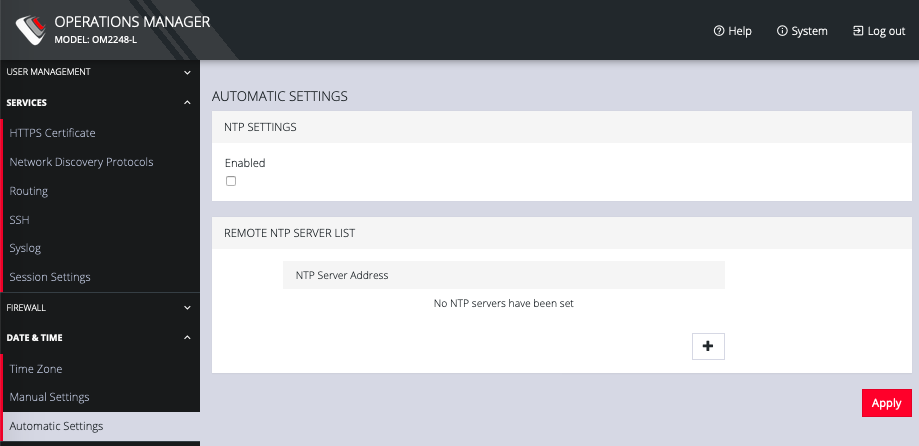
Automatic Settings
CONFIGURE > DATE & TIME > Automatic Settings
Automatic Setting of the date and time:
-
Click CONFIGURE > DATE & TIME > Automatic Settings.
-
Click the Enabled checkbox.
-
Enter a working NTP Server address in the NTP Server Address field.
-
Click Apply.