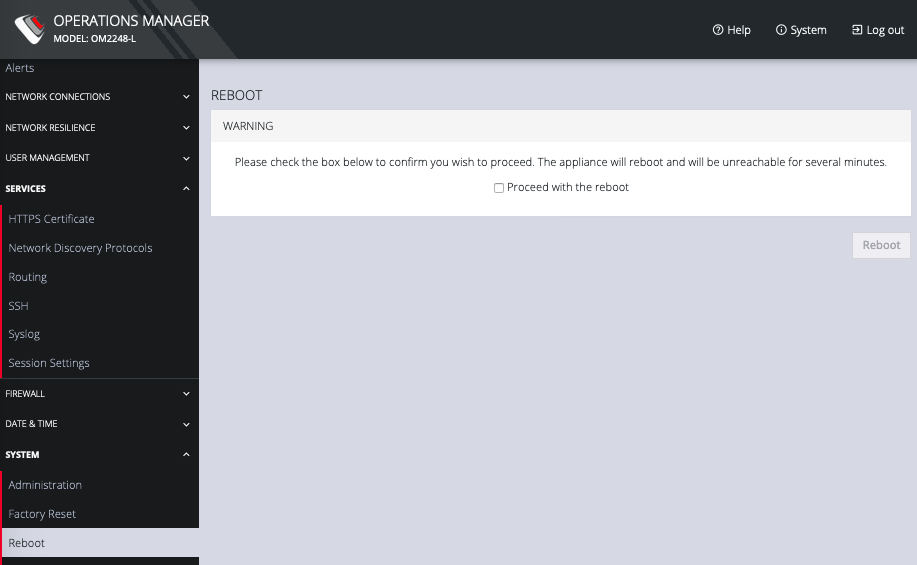
CONFIGURE > SYSTEM > Reboot
To reboot the OPERATIONS MANAGER:
Select CONFIGURE > SYSTEM > Reboot.
SelectProceed with the reboot and click Reboot.