
LIGHTHOUSE®
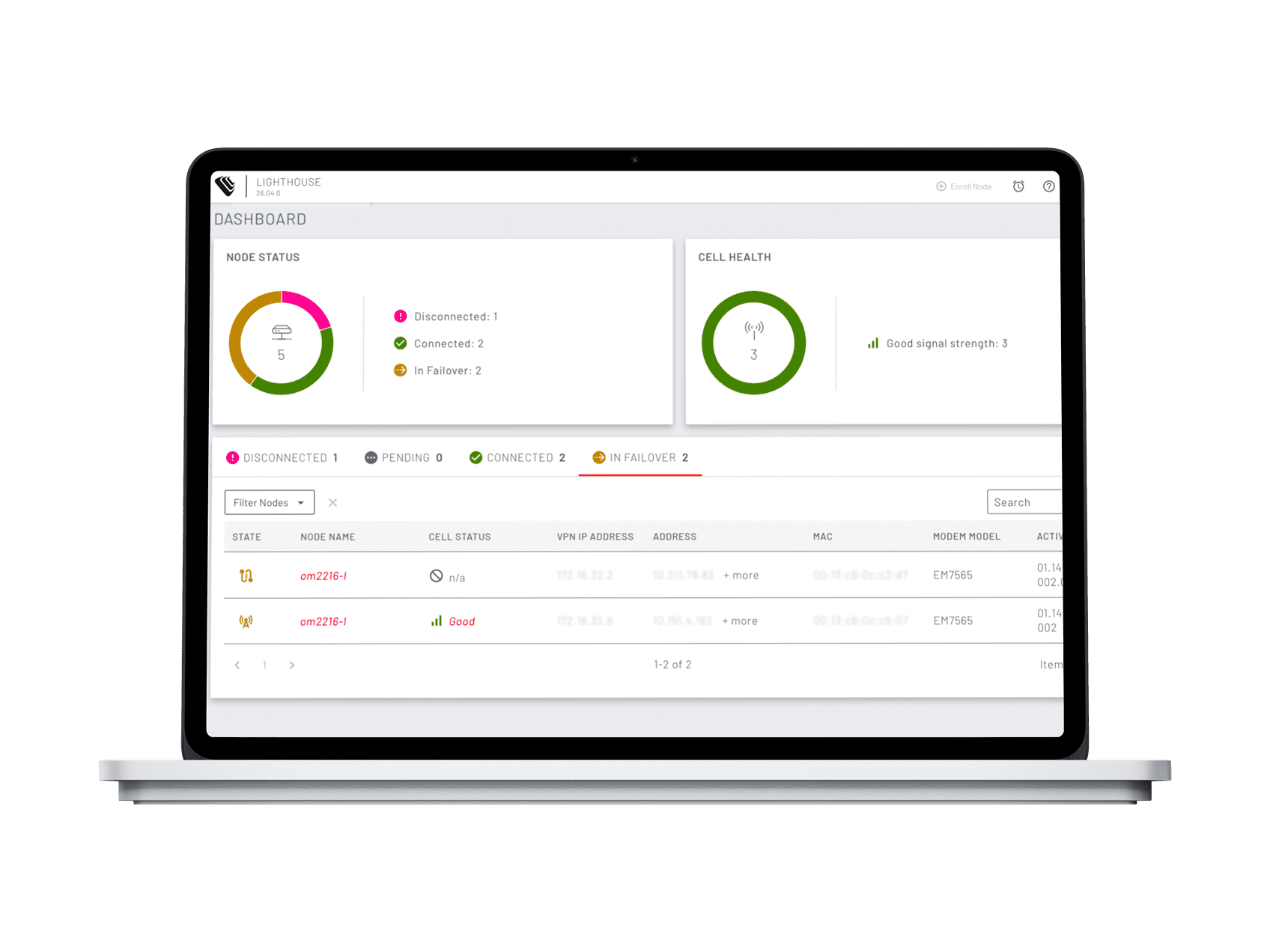
Lighthouse is Opengear’s secure, centralized, vendor-agnostic platform that gives IT teams complete visibility and control across every device, every site, all the time.
Skip the layers. Get straight to work.
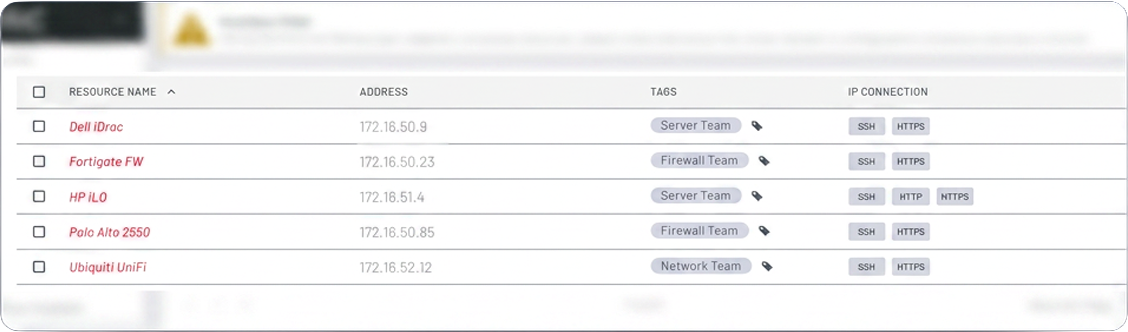
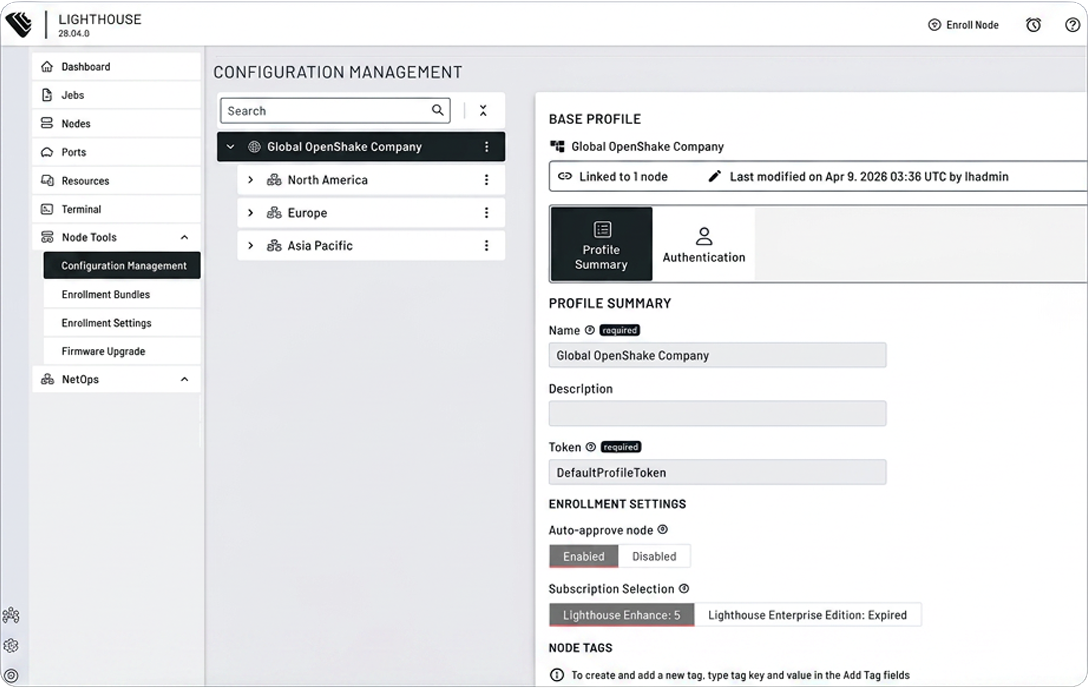
One change. Every node.
Stop making the same configuration change hundreds of times across hundreds of Opengear devices. Build your template and structure your sites once in Lighthouse and push it across a segment, or your entire fleet simultaneously. Consistent, fast, and done.
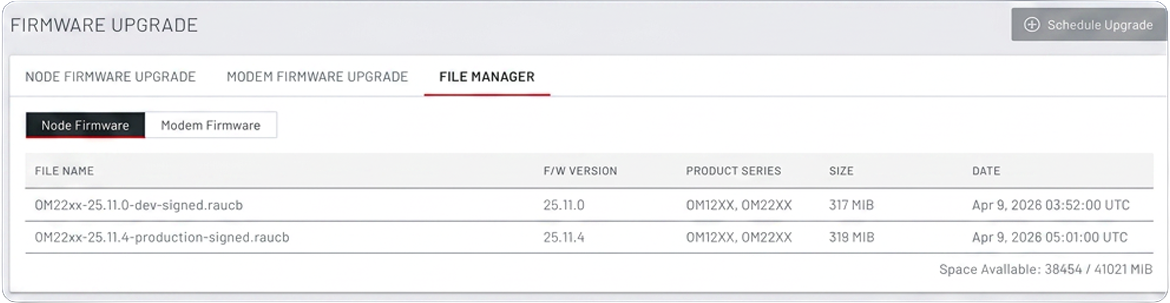
Every node. Always up to date.
Firmware and cellular maintenance shouldn’t mean a week of truck rolls. Lighthouse lets you push updates across your entire Opengear fleet in bulk, targeting specific nodes by site, role, or group, so you stay current, stay secure, and stay at your desk.
See Lighthouse in action.
A short overview of how Lighthouse provides visibility, control, and secure access across distributed environments.
The control layer of the Opengear Platform.
Hardware delivers secure access at the edge

Lighthouse delivers centralized control

Support delivers operational confidence
Designed to work together as a single system.
Everyday control. Exceptional resilience.
Centralized visibility
See sites, devices, and connectivity across your entire environment.
Always-available access
Maintain control even when the primary network is down.
Automated operations
Deploy, configure, and manage infrastructure consistently at scale.
Secure access to devices
Reach routers, switches, and management interfaces without VPNs or client software.
Simplified site onboarding
Bring new locations online with minimal hands-on effort.
Choose the level of control you need.

Lighthouse Core
Essential centralized management and secure access.
Designed for organizations that need reliable visibility, inventory, and remote access with a streamlined operational model.

Lighthouse Enhance
Advanced control for complex and distributed environments.
Adds automated management connectivity, resilient control paths, and secure access to downstream devices to maintain control during outages.
Core vs Enhance
| Feature | Lighthouse Core | Lighthouse Enhance |
|---|---|---|
| Visibility | ||
| DashboardSingle pane of glass, device health, status, inventory | ||
| JobsOperational audit trail for all background activity | ||
| Alerting and monitoringEvents, logging, third-party subscriptions | ||
| Access | ||
| PortsSearch, filter, connect to any serial port across the fleet, session management | ||
| TerminalBrowser-based bash shell, node-command, node-copy, node-upgrade | ||
| Fleet Operations | ||
| Enrollment and node managementOpengear plus select third-party devices | ||
| Templates and Smart GroupsPush config to any set of nodes, target by site, role, or tag | ||
| Firmware managementBulk upgrades from dashboard or CLI | ||
| Zero-touch provisioning*LSP-enabled hardware SKUs only | ||
| Security and Resilience | ||
| Role-based access controlLeast-privilege access, scoped to nodes and ports | ||
| Lighthouse VPN tunnelsSecure communication between Lighthouse and nodes | ||
| Multi-instance HAUp to 11 instances, secondary maintains access if primary unreachable | ||
| REST API, node backups, Lighthouse backups | ||
| Enhance Only | ||
| Smart Management Fabric (SMF)*Private routing overlay, independent of production network, configurable network range | ||
| Click-to-Connect Access*Every downstream device, one click away. No VPN. Requires SMF. | ||
* Zero-touch provisioning available on LSP-enabled hardware SKUs only. SMF and Click-to-Connect Access require Lighthouse Enhance.
Need the technical details?
Download the Lighthouse data sheet for specifications, requirements, and deployment information.
How to purchase Lighthouse.
Lighthouse software is available through Opengear authorized resellers.
Subscriptions are licensed based on the number of managed nodes and the selected subscription tier.
To purchase Lighthouse:
- Access is delivered through purpose-built hardware.
- Control comes from centralized software.
- Confidence comes from expert support.


Built to be accessible.
Lighthouse conforms to WCAG 2.2 AA accessibility standards and has been independently audited against international accessibility guidelines.
Questions? Answers.
Clear answers to common questions about Lighthouse software, subscriptions, and usage.
What is Lighthouse?
Lighthouse is Opengear’s centralized control software that provides visibility, management, and secure remote access to distributed infrastructure, even during network outages.
What role does Lighthouse play in the Opengear Platform?
What is the difference between Lighthouse Core and Lighthouse Enhance?
Lighthouse Core provides essential centralized management and secure access.
Lighthouse Enhance adds advanced connectivity, resilient management paths, and secure access to downstream devices for complex or distributed environments.
Does Lighthouse work when the primary network is down?
How are new sites onboarded into Lighthouse?
Does Lighthouse scale for large or global environments?
What version of Lighthouse is required for the current subscription tiers?
Is support included with Lighthouse?
Can existing customers continue using their current Lighthouse subscriptions?
Where can I find the Lighthouse End User License Agreement?
For Lighthouse purchases before June 20, 2025, visit the EULA at https://www.digi.com/legal/opengear-lighthouse-eula. For Lighthouse purchases after June 20, 2025, refer to the Digi Terms and Conditions at https://www.digi.com/legal/opengearterms
See Lighthouse in your environment.
See Lighthouse in your environment.